What is the WhatsApp Business API?
Meta offers three distinct WhatsApp products for different audiences. Understanding what each one does (and doesn't do) is essential before choosing Reepli — or any other platform. This page untangles the three.
The three versions of WhatsApp
1. WhatsApp Messenger
The consumer app that everyone uses. No business features — one account = one phone, private conversations.
2. WhatsApp Business App
A free app you can install on a phone, aimed at micro-businesses. It adds:
- A business profile (address, hours, website).
- Pre-saved quick replies.
- Labels to sort conversations.
- A simple product catalog.
- Away and greeting messages.
Important limitations: a single primary device, 256 contacts maximum per broadcast list, no API, no real automation, no multiple simultaneous operators.
3. WhatsApp Cloud API (formerly WhatsApp Business Platform)
Meta's official API. It has no user interface of its own — it's up to platforms like Reepli to provide the inbox, the automations, and the operational tools on top.
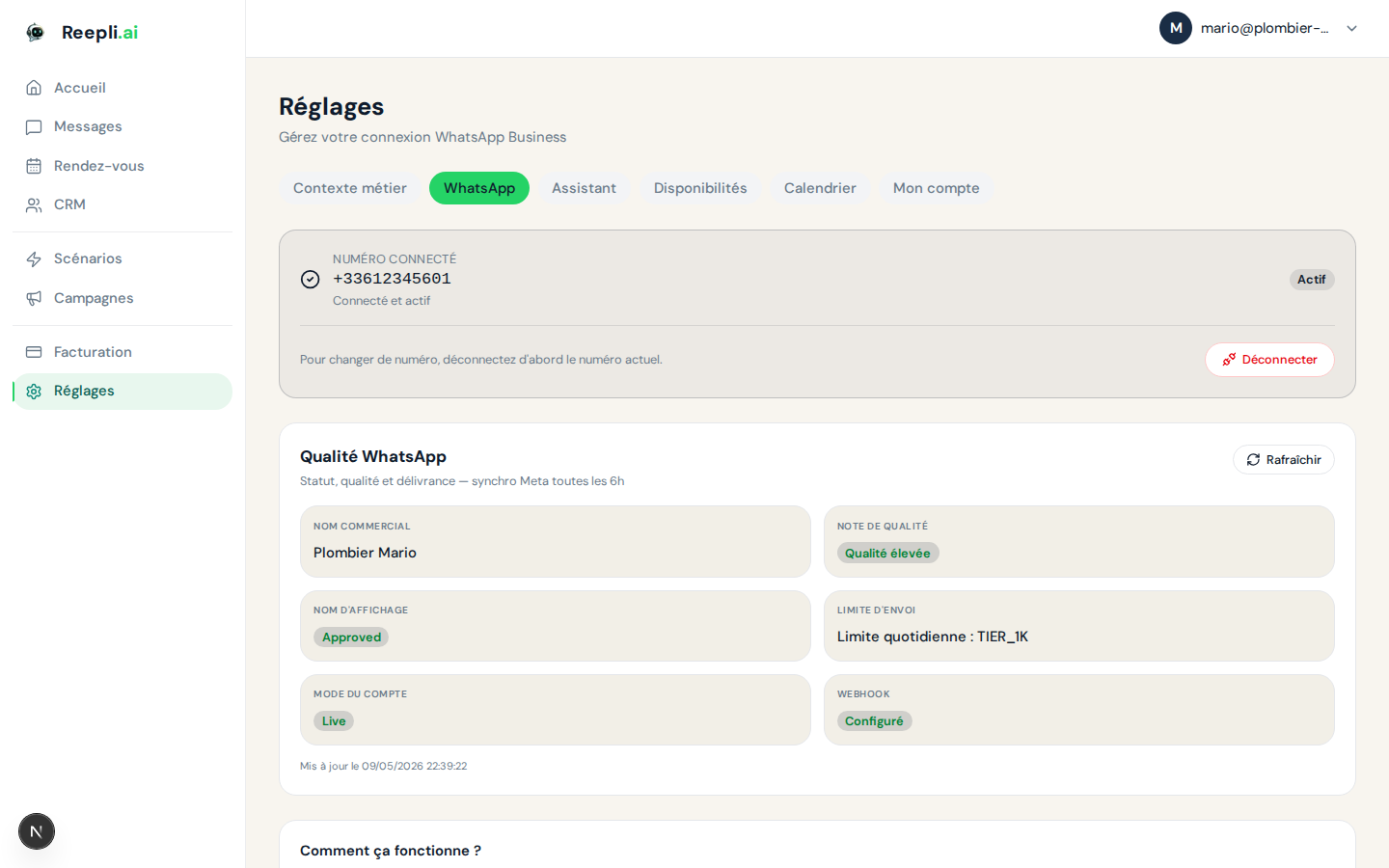
This is the mode used by Reepli, in own-number form: your WhatsApp Business account, your number, your Meta-verified business name, and Reepli connected as an authorized application via Embedded Signup.
Comparison table
| Criterion | WhatsApp Messenger | WhatsApp Business App | Cloud API (via Reepli) |
|---|---|---|---|
| Target audience | Individuals | Micro-businesses | Solopreneurs, SMBs |
| Cost | Free | Free | Meta conversations + Reepli subscription |
| Multi-operator | No | No | Yes (a shared dashboard) |
| AI automation | No | No | Yes (Reepli assistant) |
| Meta-approved templates | No | No | Yes (imported automatically) |
| Mass broadcasting | Lists ≤ 256 contacts | Lists ≤ 256 contacts | Unlimited depending on your daily limit |
| Centralized reception | No | No | Yes (on the Reepli platform) |
| Built-in CRM | No | Basic labels | Yes (6-stage pipeline + AI) |
| Mobile app coexistence | — | — | Yes |
| Green badge (official business account) | No | No | Possible |
Why move from the Business app to the Cloud API
If you currently use the WhatsApp Business mobile app and are considering Reepli, here are the constraints you'll move past:
- More than a single device — the mobile app is locked to the primary phone. The Cloud API runs on Meta's side and is accessible from any browser.
- No more 256-contact cap — you can send marketing templates to thousands of contacts (depending on your daily limit).
- AI assistant — the app has no intelligent chatbot; Reepli does.
- Shared history — your whole team (if you have one) sees the same threads. No more "the customer wrote to Marc's phone, and he's on vacation".
- Structured data — every message is kept, exportable, and searchable.
Coexistence: you keep the mobile app
An important particularity of the Cloud API in coexistence mode: you don't have to give up the WhatsApp Business mobile app. On the same number, the mobile app and the Cloud API can coexist.
When you type a message from your phone (the mobile app), the message is automatically reflected in the conversation thread on the dashboard side. Conversely, if the Reepli AI replies, you see the reply in the mobile app.
This makes the transition smooth: you keep your phone as a daily habit if you want, and the dashboard takes over for higher volumes or automatic qualification.
The 24-hour conversation window
A structuring concept of the Cloud API (and one that doesn't exist on the Business app): the service window.
As long as a customer has written to you in the previous 24 hours, you (or the assistant) reply freely in text, image, audio, or document. Once those 24 hours pass without a message from the customer, you must use a Meta pre-approved template (utility, authentication, or marketing) to restart the conversation. This is the rule that protects users against spam.
Details in Messaging limits and in Message templates.
Templates: the three categories
| Category | Use | Examples |
|---|---|---|
| Utility | Confirmations, reminders, transactional updates | Order confirmation, appointment reminder |
| Authentication | OTP codes, verifications | 6-digit code |
| Marketing | Promotions, offers, engagement | Sales, new product, follow-up |
Reepli automatically imports the catalog of 147 pre-approved templates that Meta makes available (the "Meta Template Library"), accessible immediately without submitting anything yourself. You can then create your own templates if needed.
Who the Cloud API + Reepli is for
You benefit from the Cloud API via Reepli if you:
- Receive more than 30 WhatsApp messages per day for your business.
- Want to automate replies to your frequent questions via an AI.
- Occasionally send announcements or promos to more than 256 contacts.
- Want to keep your history centralized even if you use several phones.
- Need a lightweight CRM linked to conversations, not a Salesforce.
If you stay at 5–10 messages per day, the free WhatsApp Business mobile app is more than enough.
Next steps
- Connect your phone number — the Embedded Signup flow.
- Set up your business profile — name, photo, description.
- Message templates — create or use Meta templates.
- Messaging limits — 24-hour window, daily limit, quality.
The Reepli team can help you assess whether the Cloud API is right for your business. Contact us via the chat in the bottom right of dashboard.reepli.ai.