Account and settings - Overview
The Account and settings section of Reepli brings together all the settings related to your operator identity, the security of your access, your subscription, and the privacy of your data. Reepli is a single-operator dashboard: one account = one professional who runs their WhatsApp assistant and the corresponding Inbox.
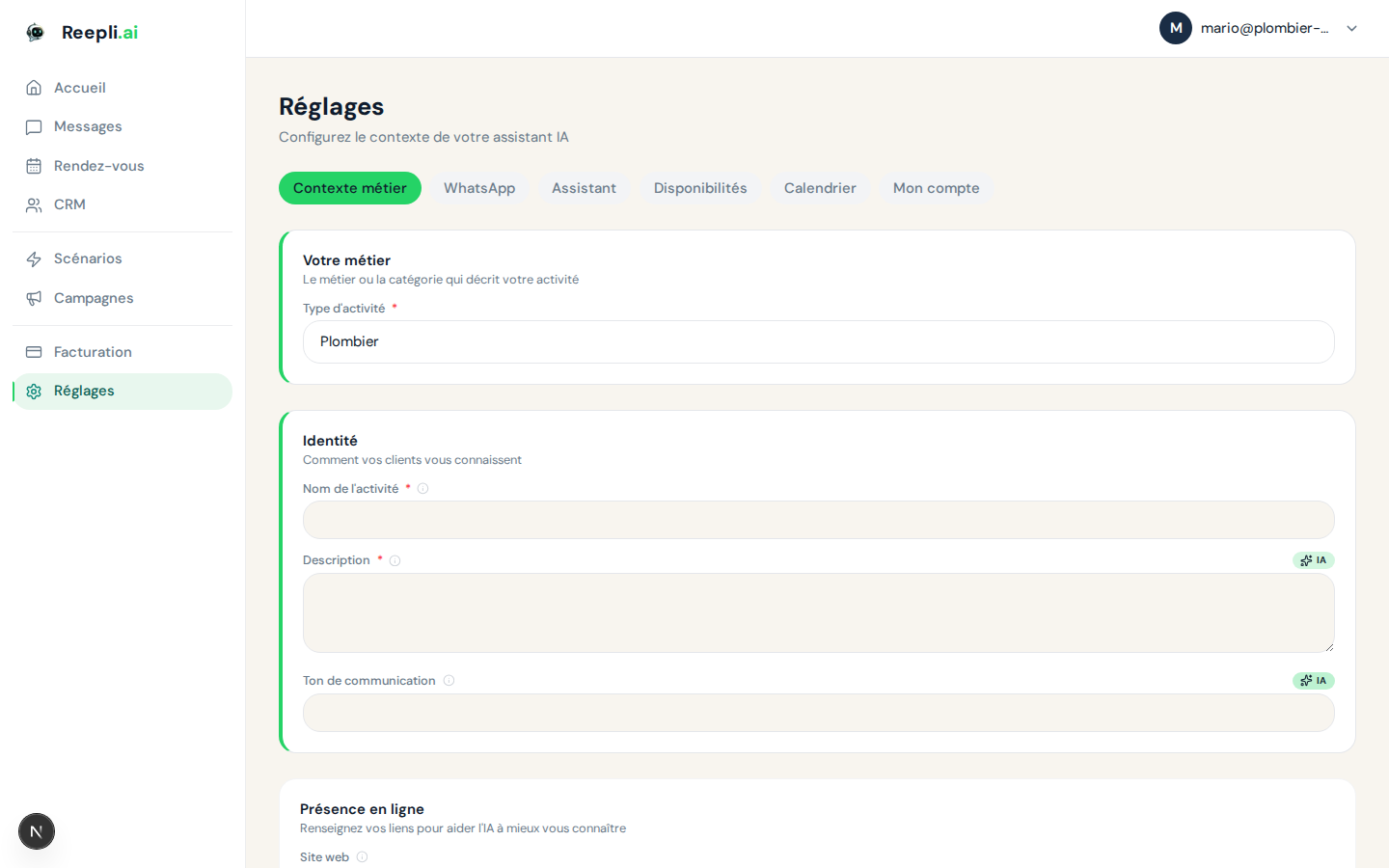
Accessing settings
- Log in to your dashboard at dashboard.reepli.ai.
- Click the gear icon in the sidebar to open the Settings menu.
- The Settings menu gives you access to six sections:
| Section | What you do there |
|---|---|
| Account | Password, language, newsletter opt-in, account deletion |
| AI assistant | Bot personality, tone, active scenarios |
| Availability | Time slots for appointment booking |
| Calendar | Connection to your Google or Microsoft calendar |
| Connected numbers, message templates | |
| Privacy | Retention, legal retention, export, GDPR deletion |
Sections covered by this category
Operator profile
Your sign-in credentials and display preferences: email address, password, interface language (French, English, Spanish, Portuguese, Italian, German, Hebrew, Arabic).
Account security
Password, signing out active sessions, and best practices to protect your access.
Subscription and billing
Reepli offers four plans:
| Plan | Price | Includes |
|---|---|---|
| Trial | 7 days | Same features as Starter |
| Starter | €79/month | Inbox, basic AI assistant, 1 WhatsApp number |
| Pro | €149/month | + Campaigns, advanced CRM, extended scenarios |
| Business | €299/month | + High volume, priority support |
Managing your subscription, invoices, and payment methods is done from the Billing page, which opens the secure Stripe portal.
Notifications
Reepli does not have an internal notification center. The only alerts are:
- Transactional emails (password reset, end of trial, payment failure, etc.).
- The Reepli newsletter (optional, can be turned off at any time).
- Real-time updates in the dashboard itself: the list of conversations and messages refreshes on its own when a new message arrives or the bot replies.
Single-operator mode
Reepli is designed for a single professional, not for a team. There is no round-robin, no shared queue, and no assignment between agents: all conversations come to you.
Coexistence with the WhatsApp Business app
The number you connect to Reepli remains usable from your phone. If you reply to a customer from the WhatsApp Business mobile app, that message automatically flows into your Reepli Inbox. So you see the full thread, whether it comes from the dashboard or from your phone.
Recommended first steps
If you have just created your Reepli account, here is the logical order to get off to a good start:
- Complete your profile: company name, language, time zone. See Profile.
- Secure your access: choose a strong password and sign out unused sessions. See Security.
- Connect WhatsApp: follow the connection flow guided by Meta. See Connect WhatsApp.
- Configure the assistant: tone, scenarios, default reply language. See Assistant.
- Check your subscription: adjust your plan in Billing if needed.
Localization and time zone
Two distinct language choices coexist on your account:
| Setting | Effect | How to change |
|---|---|---|
| Interface language | The dashboard language for you | Selector in Settings → Account |
| Assistant language | Default language of the bot's replies to your customers | Settings in Settings → AI assistant |
You can perfectly run Reepli in French while having the assistant reply in Arabic to your customers.
Frequently asked questions
Can I invite an assistant or a collaborator? No. Reepli is single-operator. Only the owner account can log in to the dashboard. See Single-operator mode for details.
How do I permanently delete my account? From Settings → Account, scroll down to the Danger zone section and follow the GDPR procedure. See Profile.
How do I change my language? Use the language selector at the top of the account menu, or the selector available on the sign-in pages.